In the app
Add a page to Faved right from the app.
You can add any page to Faved from inside the app, on the web or in the installed app.
1
Open the form
Click Add in the toolbar.2
Paste a link
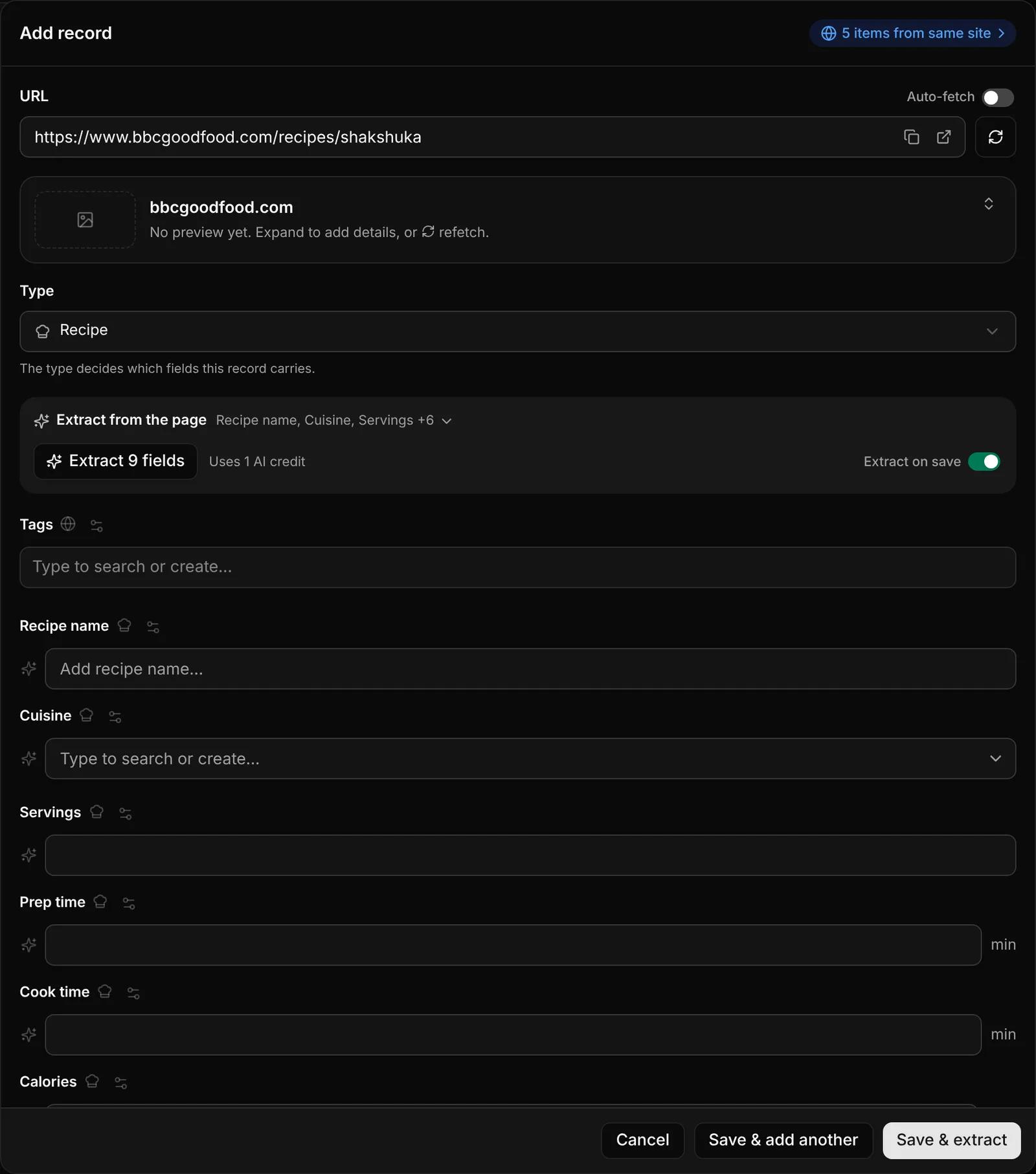
Paste a link into the URL field. Faved fetches the page's title, description and preview image.
3
Select the record type
Under Type, choose what kind of page this is, such as a product, recipe, or a simple bookmark. The form shows that type's fields.
4
Fill in the fields and save
Extract the fields from the page or fill them in manually, then click Save.
Edit this page on GitHubLast updated on October 5, 2026