Overview
All the ways to get a page into Faved, from the app, your browser, iPhone, iPad, Mac or Android.
There are several ways to get a page into Faved. All of them open the same form, where you pick a type, extract fields from the page and save.
The form adapts to the record's type: it shows your global fields plus the fields of the type you pick, and switches to the new type's fields as soon as you choose another one.
Ways to save
| Method | Works on |
|---|---|
| In the app | Faved on the web, or the installed app |
| Chrome extension | Chrome on desktop |
| Bookmarklet | Any desktop or mobile browser |
| Apple Shortcut | iPhone, iPad and Mac, from the Share Sheet |
| Android share | Any Android app, once the Faved app is installed |
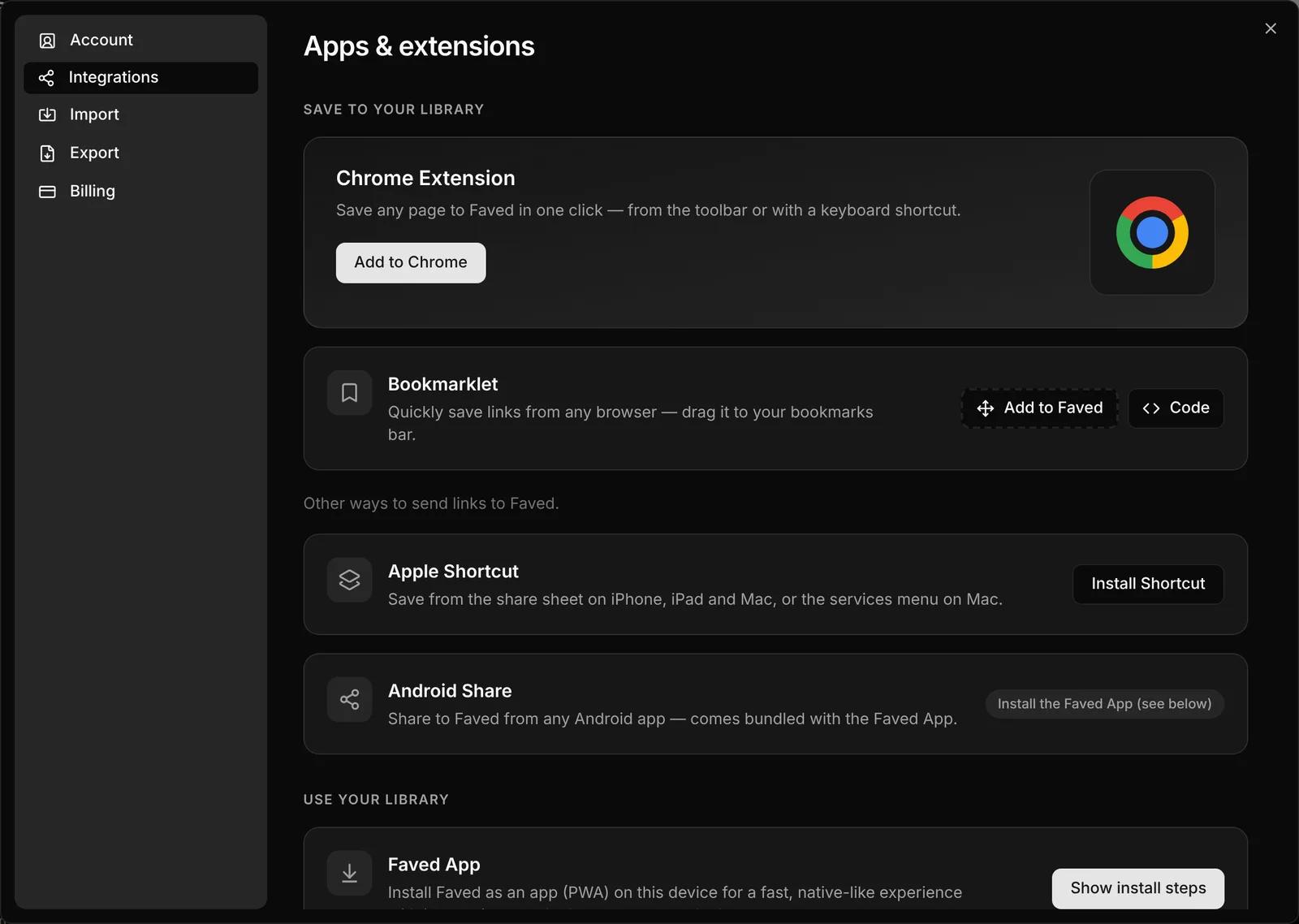
You'll find the bookmarklet, extension, shortcut and app in Settings › Integrations, under Apps & extensions. You can also open it from the user menu with Install apps & extensions.
Pages behind a login
The Chrome extension and the bookmarklet save the page exactly as you're viewing it, including pages you can only see when signed in. The other ways can't reach pages behind a login or a firewall, so use one of these two for them.